Why Every SaaS App Needs Lottie Animations in 2026
There's a version of your product that works fine. The features are solid. The pricing is reasonable. The UI is clean enough.
And users still churn.
Not because the product is bad. Because it doesn't feel like anything. It's forgettable. And in a market where your competitor is three tabs away, forgettable is fatal.
Motion is one of the fastest ways to fix that. And Lottie is how you do it without destroying your performance budget.

A quick refresher on what Lottie actually is
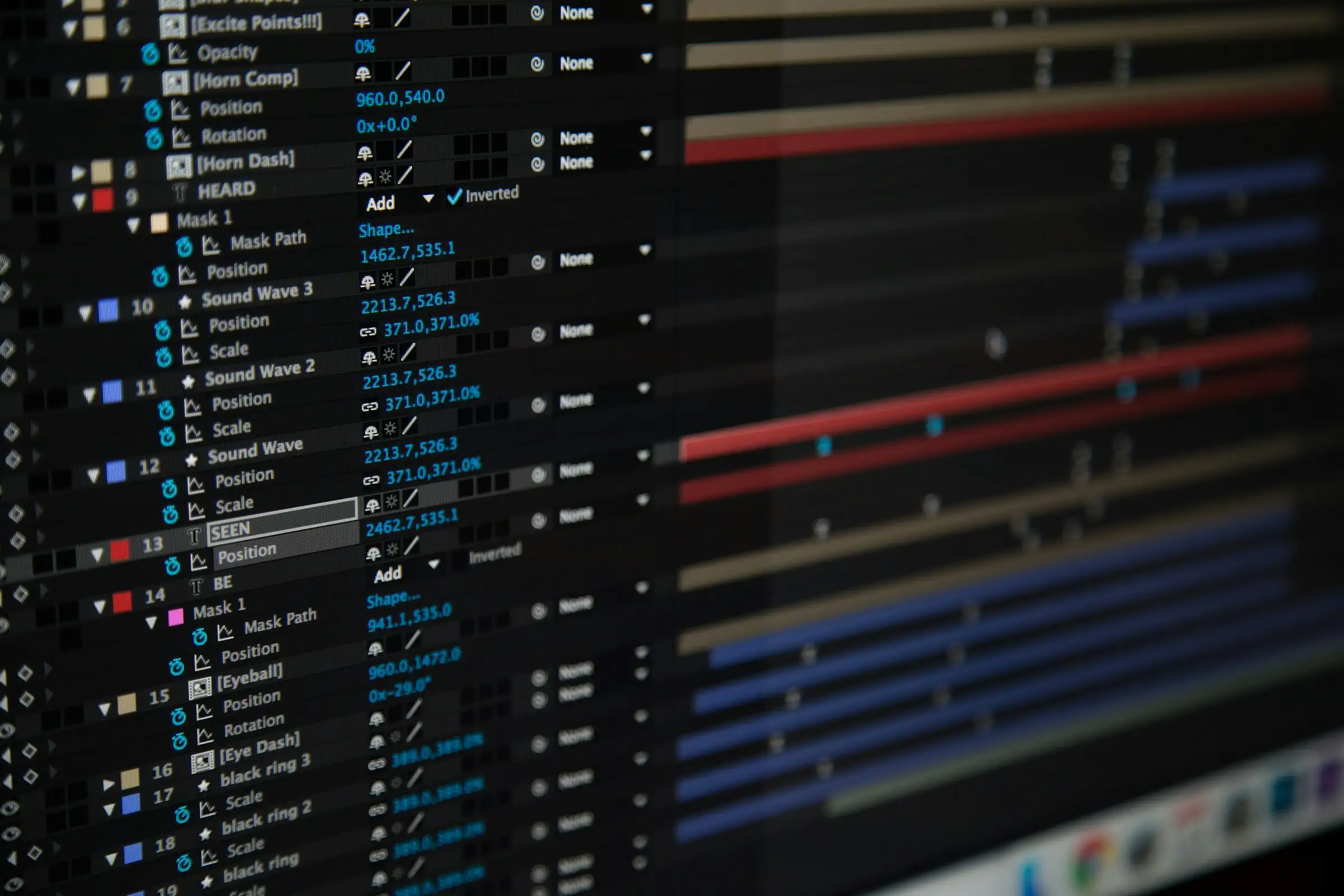
Lottie is an animation format originally built by Airbnb. You design and animate in After Effects, export a JSON file, and drop it into your product using a lightweight player library.
It plays natively, crisp and vector-sharp, at any size, at any resolution.
The JSON files are tiny. A typical UI animation is 20–80KB. The equivalent GIF would be 500KB and look worse.
What it actually does for your product
The obvious answer is “it looks nicer.” That's true, but it undersells it.
Animation guides attention.
A subtle pulse on a call-to-action
A gentle bounce on an empty state
A loading indicator that actually communicates progress
These aren't decoration. They're interface design doing its job.
During onboarding especially, motion can replace paragraphs of instructions. Show someone a 3-second animation of how a feature works and they'll understand it instantly. Write a help doc and half of them will skip it.
There's also the trust angle. When a product has polished animations, it signals that someone sweated the details. That signal matters.
People pay more for products that feel premium, even when the underlying functionality is identical to a cheaper alternative.
Where most teams use it
The highest-impact spots are usually:
Empty states
Onboarding flows
Loading screens
Success and error states
These are the moments where users are either waiting or uncertain, and a well-placed animation can reassure them and keep them moving forward.
Marketing pages benefit too. An animated product preview converts better than a static screenshot. It shows the product alive, doing something, rather than frozen in a single moment.
The performance concern
We hear this a lot. Teams assume animation means lag, bloat, and jank.
With Lottie, it doesn't have to. The format is vector-based and renders via the browser or native graphics engine. It's not a video file being decoded.
On modern devices, a well-built Lottie animation typically uses negligible CPU compared to the rest of your app.
The caveat is “well-built.” Badly optimized Lottie files can be heavy. A good motion designer knows how to keep them lean.
The honest version
Lottie won't save a product that has real UX problems. It won't compensate for confusing navigation or a broken onboarding flow.
But for a product that's already solid, it's one of the cheapest ways to close the gap between “this works” and “I love using this.” That gap is where retention lives.